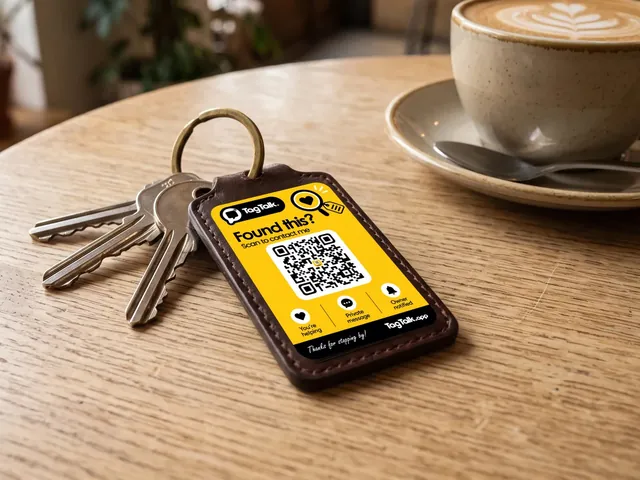
A QR code with your personal information: smart or risky?
Your details in a QR code are for anyone. A TagTalk QR isn’t.
A QR code with your details is quick to make: add your name, phone number and maybe your address, and whoever scans has it all at once. Handy, but also for anyone who gets hold of your things. Here is how these codes work, what to leave off and how to stay reachable without giving your details away.
- Private by defaultThe scanner does not see your private contact details.
- Fast to scanA phone camera and browser are enough.
- Easy to updateChange your contact route without replacing every QR.
Updated

 TagTalkExampleA finder“I found your bag on the train. Where can I drop it off?”
In short
A QR code with personal information stores your name, number or address as plain text. Anyone who scans can read and keep it, and you can’t change it after printing. To stay reachable without sharing your details, use a QR code that only forwards a message.
What you need to know
What is in a QR code?
A QR code is just text in a pattern of squares. A contact QR, also called a vCard QR, holds your name, phone number, email and sometimes your address. There is no lock or password: any phone camera reads it in a second.
Who can read your details?
Anyone who scans the code. Not just the honest finder of your keys, but also whoever walks past your car, sees your suitcase on the belt or takes your bag from a locker. They can save, keep and forward your details, whether you like it or not.
You can’t take the code back
A normal QR code can’t be changed after printing. Get a new number or move house, and you need a new code everywhere. The old codes keep working, with your old details inside.
Watch out with free QR generators
Some free QR generators create a so-called dynamic code that stops working after a trial unless you subscribe. Your code suddenly fails while it is already on your things. Check beforehand whether the code is static or dynamic and what happens when the trial ends.
What to leave off
Never put your home address on a QR code for your keys, suitcase or bag: it tells a finder exactly where to go. Police give the same advice for key rings. Be careful with your personal number, date of birth and personal email too if you don’t want strangers to have them.
When a QR with your details does make sense
When you actually want to share your details, for example on a business card, at a trade fair or in a presentation. Then someone you meet in person scans it and there are no typos. It goes wrong in places where you don’t know who will scan.
Stay reachable without sharing your details
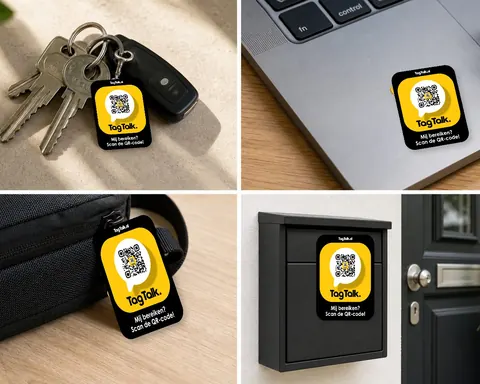
With TagTalk the QR code holds only a link, no details. Whoever scans sends you a message in their browser, with no app or account. You get a notification by email, push, WhatsApp or SMS and reply from your dashboard. Your number, email and address stay private, and you change your notifications without ever printing a new tag. The honest finder reaches you; everyone else learns nothing.
Keep your details private
- Never put your home address on a QR code for your keys, suitcase or bag.
- Only share your details by QR with people you meet yourself, for example on a business card.
- With a free generator, check whether the code is static and what happens after the trial.
- For belongings and vehicles, choose a QR code that forwards a message instead of showing your details.
How TagTalk works
Three steps. Your number stays out of sight the whole time.
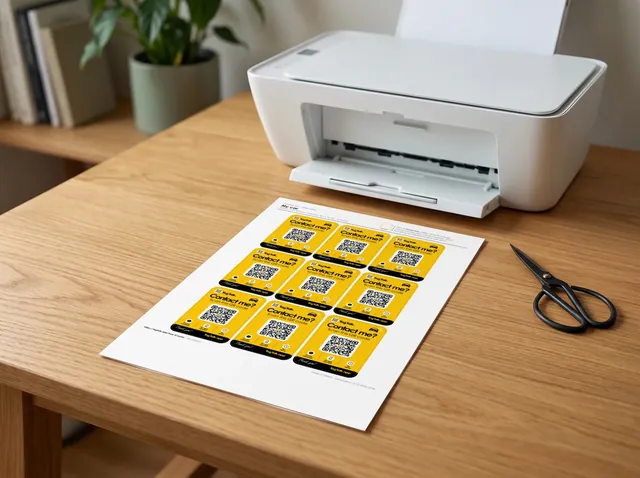
Print
Print your tag at home and cut it out.
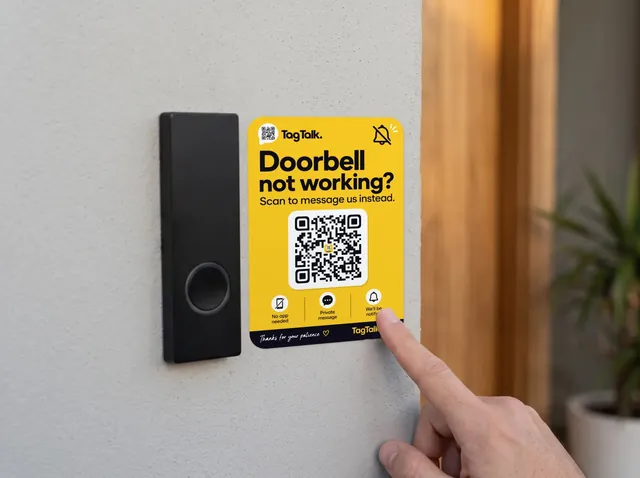
Stick
Put it on your car, door or anything you might lose.

Read
Get a notification and reply from your dashboard. Your number stays private.
Frequently asked
Short answers to what people ask most.
Is it safe to put personal information in a QR code?
Only if you are happy for anyone who scans to have it. The details are stored as plain text in the code, with no lock or password.
Can you change a QR code with your details later?
A normal, static QR code can’t be changed: you make a new code. A dynamic code can, but then you depend on the provider and often on a subscription.
What should I put on a QR code for my keys or luggage?
Not your home address. The safest option is a QR code that holds no details but forwards a message to you, like TagTalk. A finder can reach you without knowing who you are.
Why did my free QR code stop working?
It is probably a dynamic code from a generator with a trial period. When the trial ends, the provider switches the code off unless you pay.
Does a TagTalk QR work without an app?
Yes. Whoever scans only needs a phone camera and a browser. You get a notification and reply from your dashboard.
Related guides
 Alternative to a vCard QRWhy details in the code reach everyone.Open guideKey tag with your phone numberWhy your number and address don’t belong on your keys.Open guide
 6 ways to be reachableWhich way keeps your number truly private.Open guideLost and found QR codeGet your things back without your address on them.Open guide
Be reachable without sharing your number.
One tag, and anyone who needs you can send you a message. You decide how you get notified.