Mailbox QR code for delivery and visitor messages
For couriers, neighbors and visitors who just missed you.
A parcel left with a neighbor, a visitor at a closed door or a neighbor with a quick question: a lot happens at your front door while you are out. A TagTalk QR tag on your mailbox or door lets anyone send you a short message without knowing your phone number.
- No number on the doorCouriers and visitors do not see your phone number.
- Even when you are outA message reaches you wherever you are.
- Replies includedYou answer in the same conversation.
Updated

 TagTalkExampleYour courier“Your parcel is behind the side gate.”
In short
A QR code on your mailbox or front door lets couriers, neighbors and visitors message you when you do not answer the door, without seeing your phone number.
What happens at your front door
Small moments where a short message saves a lot of hassle.
Parcel left with a neighbor
The courier tells you who has your parcel.
Missed delivery
You know right away that someone was at the door.
Visitor at a closed door
A visitor leaves a message instead of walking away.
A note from a neighbor
A neighbor can warn you, for example when something is left open.
What you need to know
Parcel deliveries
A courier can tell you where a parcel was left, which neighbor took it or that a delivery attempt failed. You know right away, even when you are not home.
Visitors and neighbors
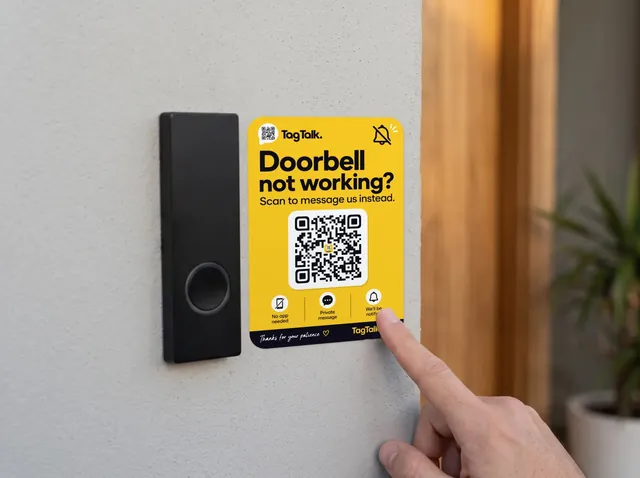
A visitor who missed you or a neighbor with news can send you a message. Useful when you do not hear the bell, the bell is broken or you are out for a moment.
Your number stays private
A phone number on your mailbox can be read by anyone, including strangers and door-to-door sellers. With a QR code the message arrives through TagTalk and your number stays hidden.
Alerts the way you want
You read messages in your dashboard and choose whether you also get notified by push, email, WhatsApp or SMS where available. You reply in the same conversation.
Parcel Delivery and Doorbell designs
TagTalk includes print designs for this spot: Parcel Delivery for a front door or mailbox, and Doorbell for next to the bell. You receive a print-ready PDF after checkout.
Where to place it
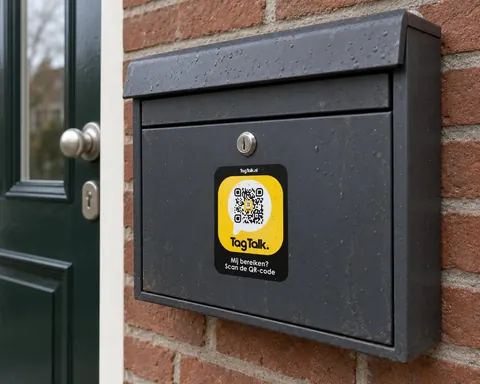
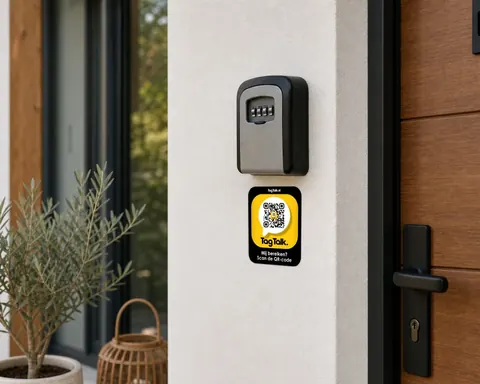
Place the tag at eye level next to the doorbell, on the flap or side of the mailbox or letterbox, or on the glass of the front door. Pick a spot with some light so it scans in the evening too.
Make it last outdoors
A front door gets rain and sun. Print on weatherproof sticker material, laminate the tag or place it behind glass, and scan it once it is in place.
What it costs
You pay once per QR. Each QR includes credits; the current amount is shown before checkout. Reading messages in your dashboard uses no credits, while email, WhatsApp and SMS alerts do. Lite and Premium are optional.
Tips for your front door
- Place the tag at eye level next to the doorbell or on the mailbox flap.
- Use weatherproof material outdoors or place the tag behind the glass of your door.
- Make sure some light falls on the code in the evening.
- Scan the tag with your own phone once it is in place.
How TagTalk works
Three steps. Your number stays out of sight the whole time.
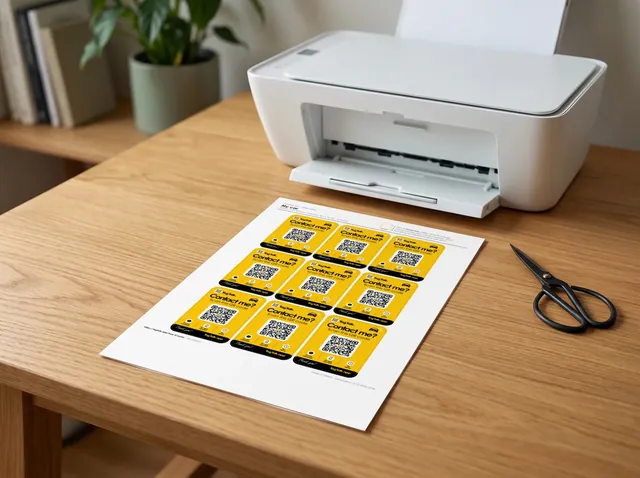
Print
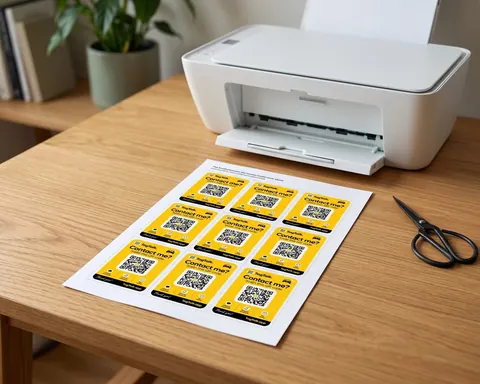
Print your tag at home and cut it out.
Stick
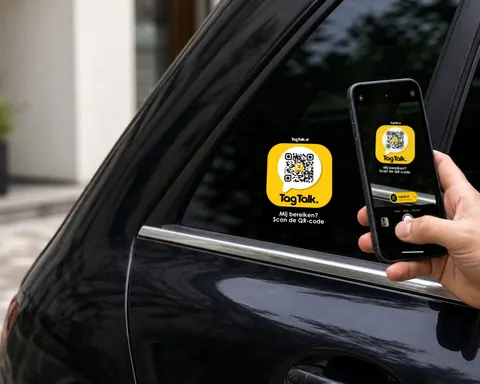
Put it on your car, door or anything you might lose.

Read
Get a notification and reply from your dashboard. Your number stays private.
Frequently asked
Short answers to what people ask most.
Does a courier or visitor see my phone number?
No. The message goes through TagTalk. The sender never sees your phone number or email address.
Does a courier or visitor need an app?
No. A phone camera is enough. The message page opens in the browser.
Will the tag hold up outdoors?
Print it on weatherproof sticker material or laminate it. Behind glass it stays protected from rain and dirt.
Can I reply to a message?
Yes. You reply from your dashboard in the same conversation. The sender reads your reply on the message page.
What if I do not want messages for a while?
You can pause your tag. Anyone who scans it then sees that messages are not possible for now.
Related guides
 Parcel left with a neighbourWho is responsible and what to do.Open guide
 Anonymous QR contactThe main guide to staying reachable without sharing your number.Open guide
 Guest support QR codeLet rental guests reach their host without a private number.Open guide
 Reply without sharing your numberHow replies work through a QR code.Open guide
 Printable QR code tipsPaper, size and contrast for a tag that scans outdoors.Open guide
Be reachable without sharing your number.
One tag, and anyone who needs you can send you a message. You decide how you get notified.