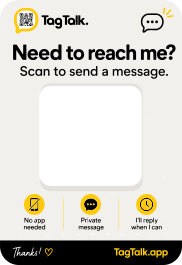
Number hidden.
Still reachable.
Someone scans your TagTalk QR and types a message in their browser. You read it in your dashboard and reply there.
No subscription needed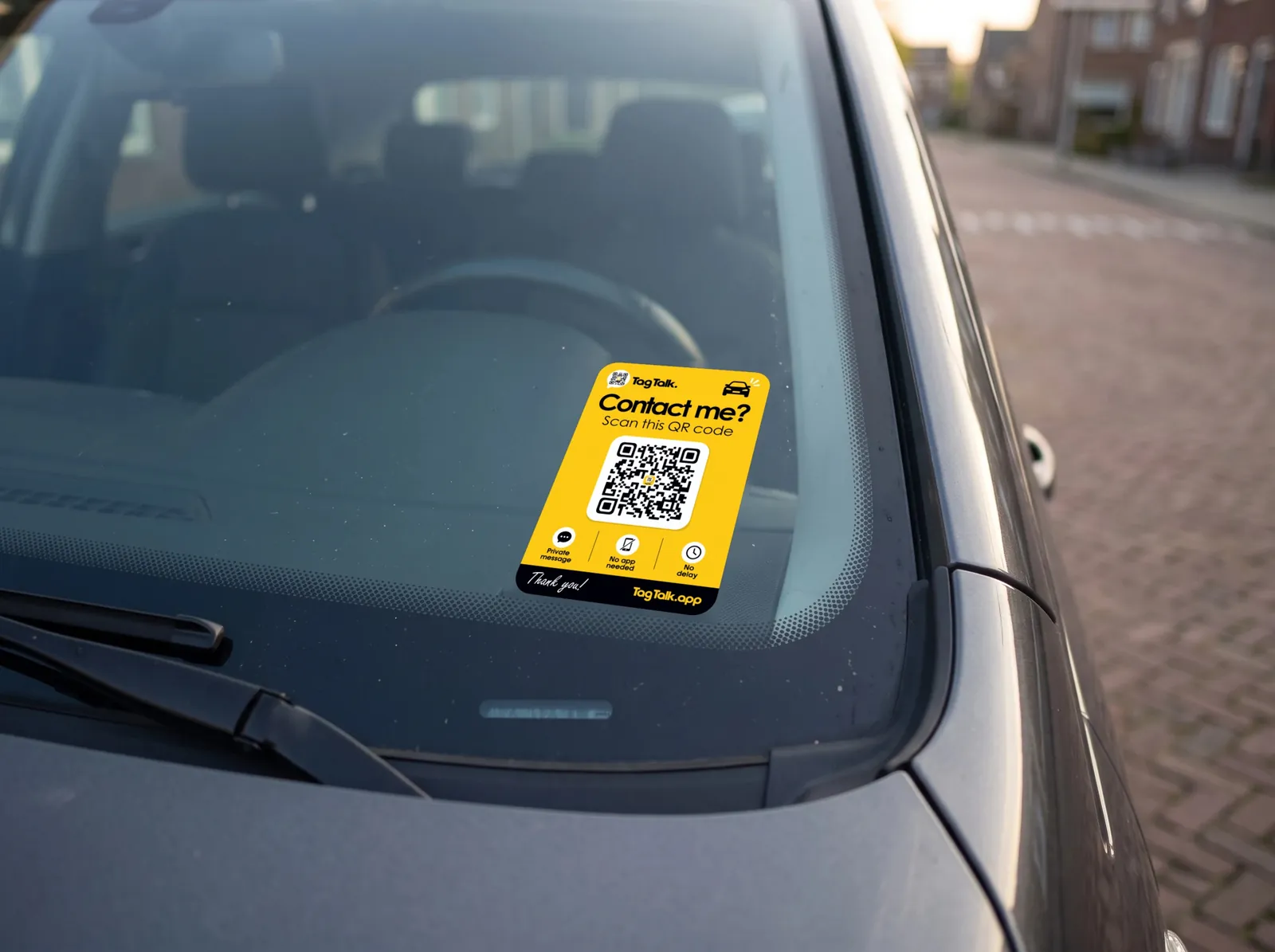
From your QR tag
to a message.
Three steps. Pick the one you want to see.
Your tag,
in its place.
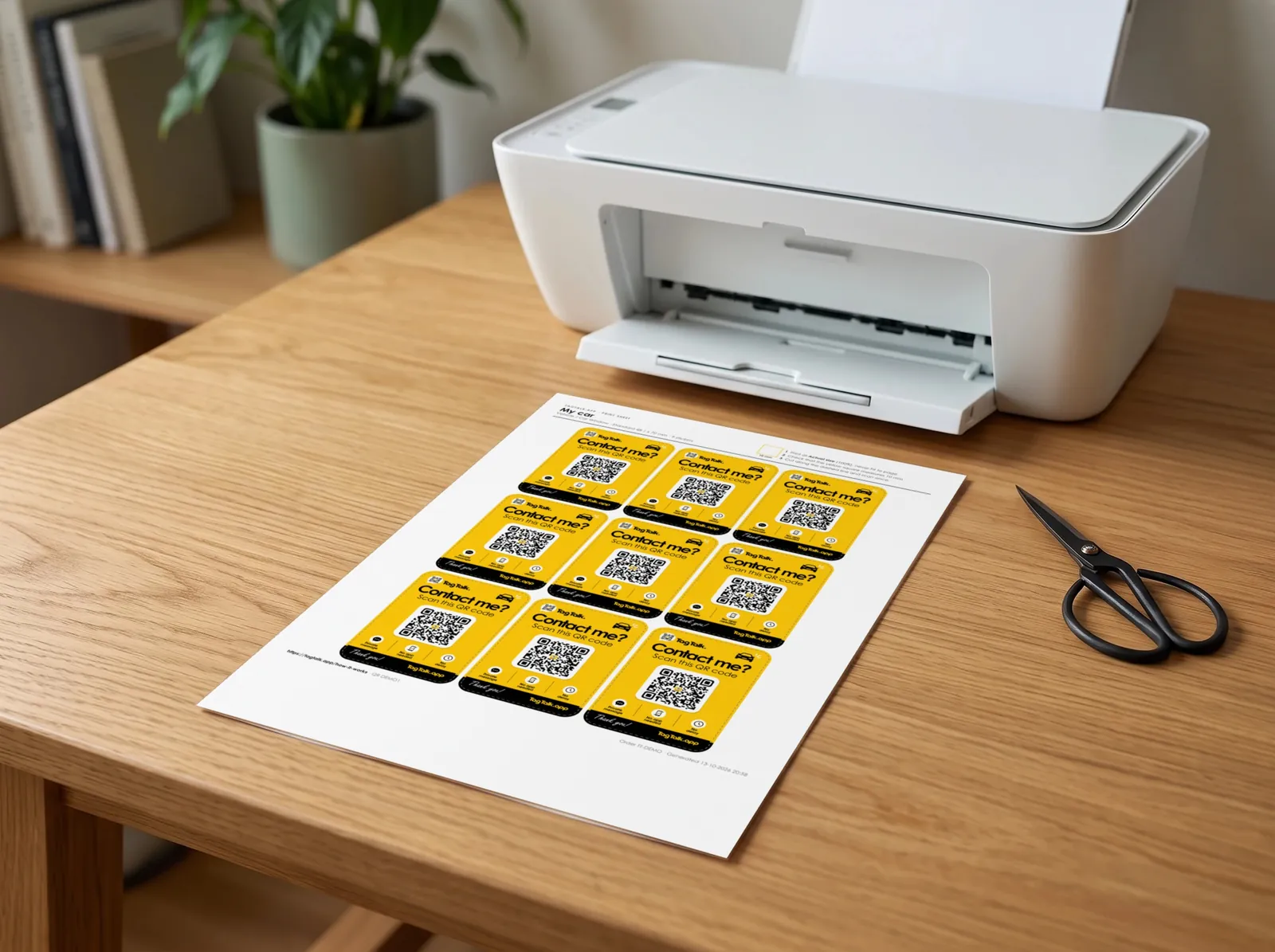
Pick a design and check out. Your print-ready PDF arrives by email and in your dashboard. Print it at actual size, cut it out and stick it where people might need to reach you.
New account? Open the activation email first.
 TagTalk.Example
Are you open tomorrow morning? I would like to pick up an order.
Camera on.
Message typed.
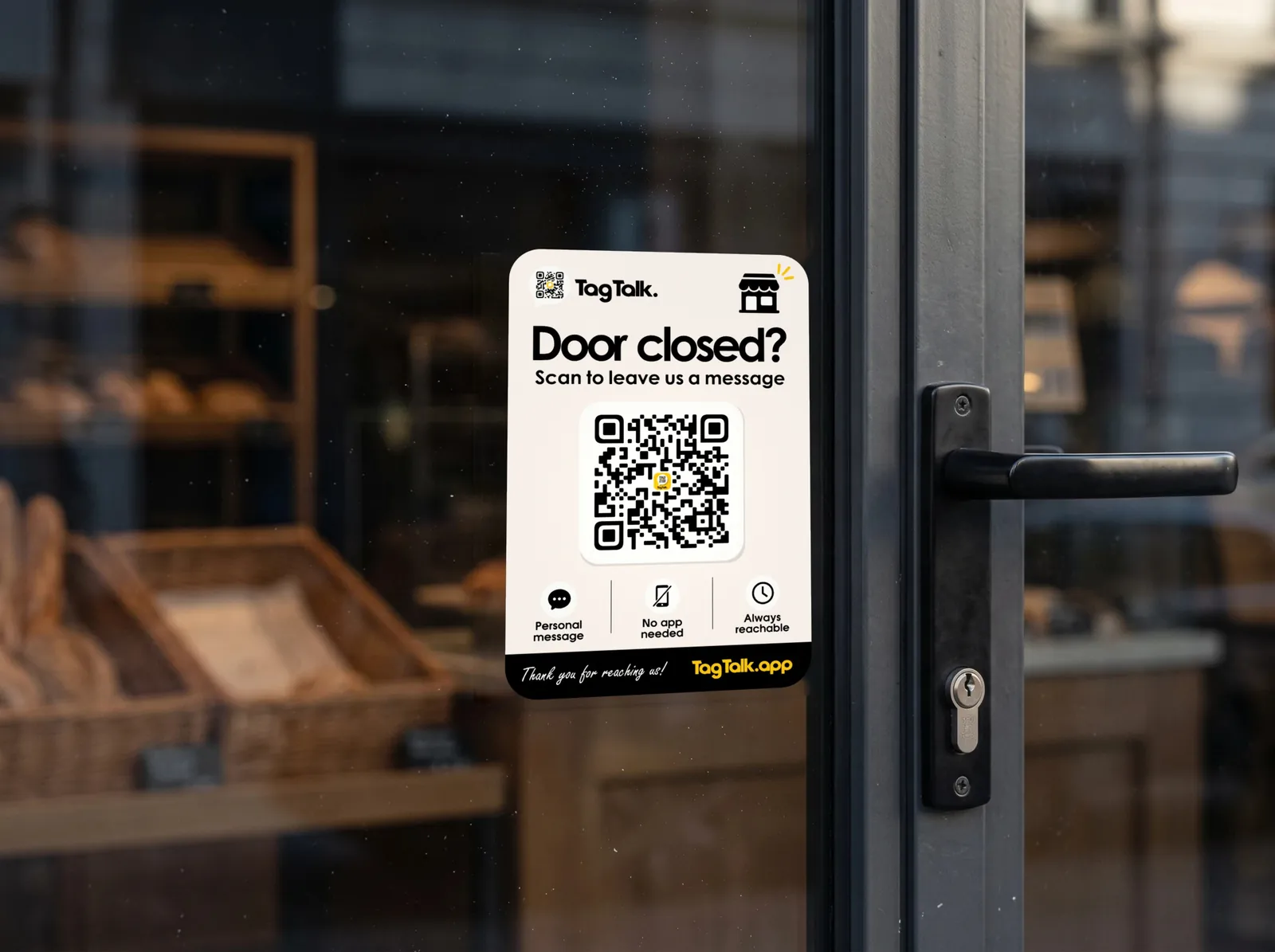
Someone points their phone camera at your QR and opens your message page. There they can leave a question, a tip or a quick heads-up.
They do not need an app or an account.
 TagTalk.Example
Your parcel is with the neighbours at number 12.
In your dashboardA message
for you.
You find the message in your dashboard and reply in the same conversation; the sender sees your reply on the message page. Want a heads-up too? Turn on the channels you like and confirm your email address or number where needed.
The person who scans never sees your phone number.
A heads-up.
Your way.
You read messages in your dashboard. You turn on notifications yourself, on the channels that suit you.
See an exampleThis does not change your settings.
 TagTalk.PushExample
Someone scanned your QR code and left you a message.
A notification on a supported browser or device. You turn push on yourself and allow notifications.
TagTalk.EmailExampleYour parcel is with the neighbours at number 12.
A notification at the email address you set up and confirmed.
TagTalk.WhatsAppExampleYou received a new message in TagTalk.
A notification on your verified WhatsApp number. You choose whether to use this channel.
TagTalk.SMSExampleYour parcel is with the neighbours at number 12.
A notification on your verified phone number. You choose whether to use this channel, and availability depends on the country of the number.
Reading messages costs no credits.
Costs depend on the channels you choose.
Your QR needs no subscription.
No. They open the QR with their phone camera and type a message in the browser. They do not need an account either.
Yes. You reply from your dashboard in the same conversation. The sender reads your reply on the message page, with no app or account. Neither of you sees the other's phone number or email address.
You read messages in your dashboard. You can also turn on push, email, WhatsApp or SMS where available. You manage and confirm your addresses and numbers in your dashboard.
Your QR comes with credits. You use them for notifications by email, WhatsApp or SMS. Reading messages in your dashboard costs no credits. Costs depend on the channels you choose, and several paid channels add up. The current rates are shown when you order.
See the current optionsNo. You buy your QR once. Paid notifications use credits, which you can top up later from your dashboard. Lite and Premium are optional monthly plans with quick replies and an availability schedule.
Yes. Download the print PDF from your dashboard whenever you need a fresh copy. Every copy carries the same QR code.