Privacy-friendly contact without a phone number
Reachable for those who need you. Your number stays yours.
A phone number on a sticker, note or sign is practical, but it stays there for everyone who walks by. You lose control over who saves it and what they do with it. A message layer keeps you reachable without putting your number on the street.
- Private by defaultThe scanner does not see your private contact details.
- Fast to scanA phone camera and browser are enough.
- Easy to updateChange your contact route without replacing every QR.
Updated

 TagTalkExampleSomeone at your door“I’m at the door, but the bell isn’t working.”
In short
Privacy-friendly contact means people can reach you through a message layer, such as a QR code with a message page, without your phone number or email address becoming public.
Public number or TagTalk QR
Both keep you reachable. Only a message layer keeps you in control.
| Question | TagTalk QR | Public phone number |
|---|---|---|
| Anyone can save your number | No. | Yes. |
| Change alerts without a new tag | Yes. | No, the number stays out there. |
| Stop an unpleasant sender | Yes, block or report. | Only on your phone, number by number. |
| Unreachable for a while | Yes, pause your tag. | No. |
What you need to know
What happens to a public number
A visible number can be photographed, saved and passed on. It can end up with sellers, scammers or people you would rather not hear from. You do not change a phone number easily, so that exposure stays.
A message layer instead of your number
With TagTalk, someone scans a QR code and sends a message through a message page. The message reaches you, but the sender never sees your phone number or email address. You decide whether and how to reply.
Reply without exchanging numbers
You reply from your dashboard in the same conversation. The sender reads your reply on the message page. Neither of you sees the other's phone number or email address.
You stay in control
You choose the channels that notify you and can change them later without replacing the tag. The QR code stays the same while your settings change.
Tools against misuse
If you receive an unpleasant message, you can block the conversation or report the message. If you want a break, pause your tag for a while.
Where it matters most
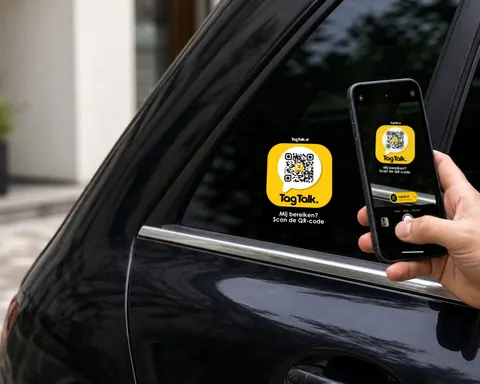
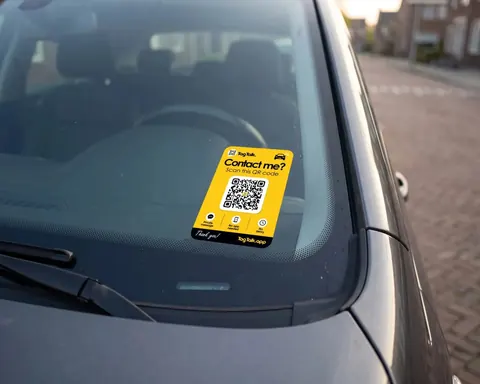
Wherever strangers may need to reach you: your car, front door or mailbox, a holiday rental, a for-sale sign, your bike or belongings you might lose.
Clear about why someone should scan
A short line on the tag tells people what the code is for. That removes doubt and makes scanning an easy step.
How TagTalk works
Three steps. Your number stays out of sight the whole time.
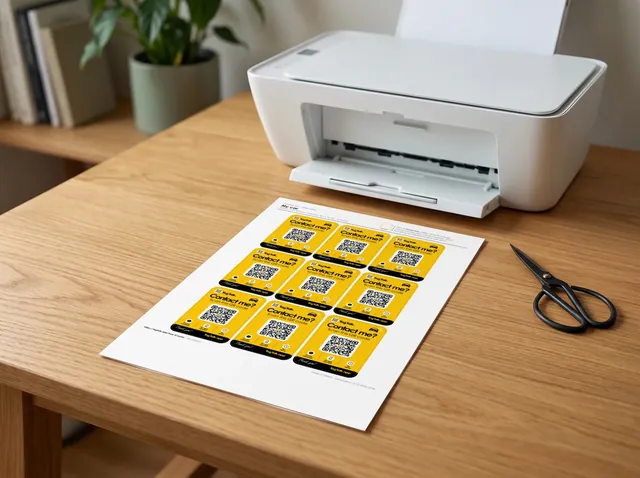
Print
Print your tag at home and cut it out.
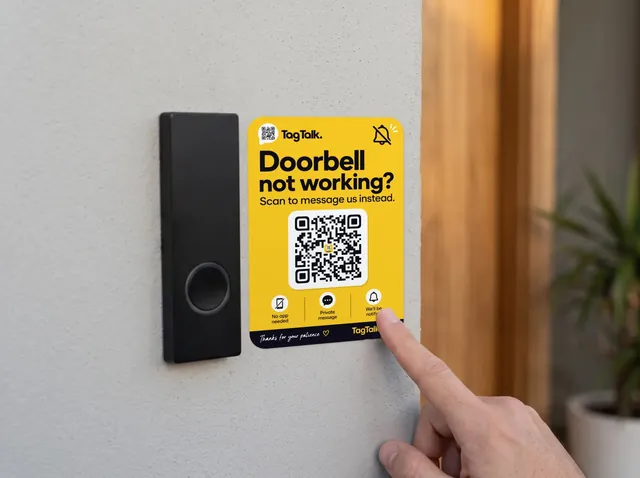
Stick
Put it on your car, door or anything you might lose.

Read
Get a notification and reply from your dashboard. Your number stays private.
Frequently asked
Short answers to what people ask most.
Why should I not publish my phone number?
Anyone can save and share a public number, including for unwanted messages or scams. Once it is out there, you cannot take it back.
How can I stay reachable without sharing my number?
Use a QR code that opens a message page. The sender messages you through TagTalk and never sees your phone number or email address.
Can I decide whether to reply?
Yes. You read the message in your dashboard and choose whether to reply. If you do, it happens in the same conversation without revealing your number.
What can I do about an unpleasant message?
You can block the conversation, report the message or pause your tag for a while.
Related guides
 Anonymous QR contactThe practical guide to QR contact without a public number.Open guide
 Phone number on the dashboardThe best-known example of a number anyone can read.Open guideWhatsApp QR alternativeA QR contact route without exposing a WhatsApp path first.Open guidevCard QR alternativeAvoid turning a QR code into a public contact card.Open guide
 6 ways to be reachableThe six ways side by side.Open guide
Be reachable without sharing your number.
One tag, and anyone who needs you can send you a message. You decide how you get notified.