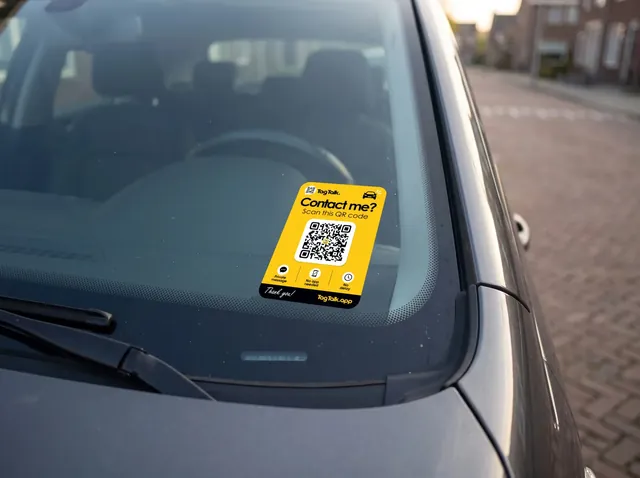
Is it safe to scan a QR code?
Check where the code takes you first. With TagTalk it is always tagtalk.app.
Scanning a QR code is usually safe. The code is just text, usually a web address. The risk is the page you open next. Scammers stick fake QR codes over real ones, especially on parking machines and EV chargers. Here is how to spot that, and how to know a TagTalk QR is one you can trust.
- Private by defaultThe scanner does not see your private contact details.
- Fast to scanA phone camera and browser are enough.
- Easy to updateChange your contact route without replacing every QR.
Updated

 TagTalkExampleSomeone by your car“Hi! Your lights are still on.”
In short
Scanning a QR code is safe: the code itself does nothing. The risk is the page that opens. Check the web address after scanning and never enter card details or a password on a page you don’t trust, especially at a parking machine.
What you need to know
Is scanning itself dangerous?
No. A QR code is just text, usually a web address. Your phone shows you where the code goes first, and only when you tap do you open that page. The risk is the page after that: a fake site that wants your payment or login details.
How QR code scams work (quishing)
Scammers stick a label with their own QR code over the real one, often on parking machines and EV chargers. The fake site looks like the real payment page. Fake QR codes also turn up in letters, parcels and emails. This is called quishing: phishing through a QR code. Action Fraud says car parks are where it happens most.
How to spot a fake QR code
Is there a sticker over another code, or does it look crooked, new or damaged? After scanning, read the web address carefully: does it really belong to the parking operator, the council or your bank? Watch for spelling mistakes and odd domain names. Several UK councils don’t use QR codes for parking payments at all. If a page asks for card details or a password straight away, stop.
Pay for parking another way
Pay with your card at the machine, by phone, or through the official parking app or a website you open yourself. Then a fake QR code can’t touch you.
Scanned and paid already?
Call your bank straight away to block your card. In England, Wales and Northern Ireland, report it to Action Fraud; in Scotland, call Police Scotland on 101. Spotted a suspicious sticker? Tell the council or the car park operator so it can be removed. In Ireland and Australia, contact your bank and report it to the police.
How to recognise a real TagTalk QR
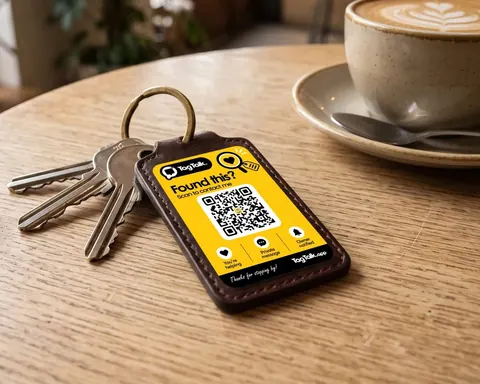
A TagTalk QR always opens a page on tagtalk.app. To send a message you don’t install anything, log in or pay: you just type your message. The owner doesn’t see your details, and you don’t see theirs. If a page asks for card details or a password after you scan a TagTalk tag, it isn’t TagTalk.
Why a TagTalk tag is safe to scan
TagTalk is built to protect privacy on both sides. The tag says clearly what it is for, the code leads to our own domain and nobody exchanges numbers. You can reach the owner of a car, bike or front door without risk, and stay reachable yourself without sharing your number.
Check this before you scan
- Look for a sticker placed over another code.
- Read the web address after scanning before you go on.
- Never enter card details through a scanned parking code.
- Pay for parking by card, by phone or in the official app.
- If in doubt, call your bank straight away.
How TagTalk works
Three steps. Your number stays out of sight the whole time.
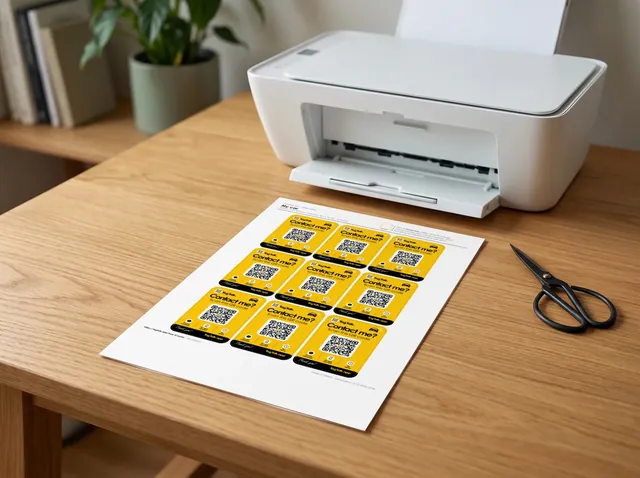
Print
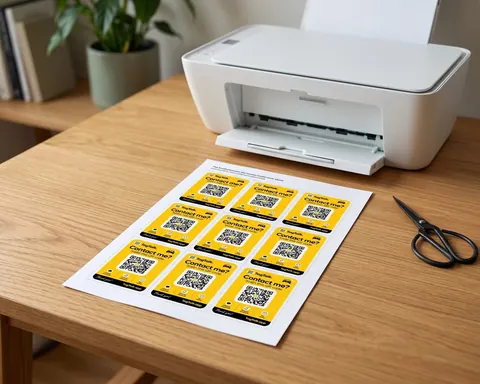
Print your tag at home and cut it out.
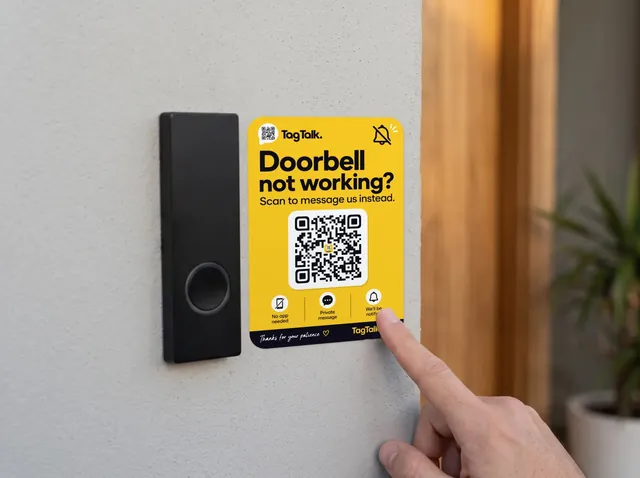
Stick
Put it on your car, door or anything you might lose.

Read
Get a notification and reply from your dashboard. Your number stays private.
Frequently asked
Short answers to what people ask most.
Is it safe to scan a QR code?
Scanning itself is safe. Watch the page that opens: don’t enter card details or passwords on a page you don’t trust.
What is quishing?
Phishing through a QR code. A fake code sends you to a site that wants your money or details, often on parking machines and EV chargers.
How do I spot a fake QR code on a parking machine?
Look for a sticker placed over another code and a web address that doesn’t belong to the operator or council. If in doubt, pay by card or through the official app.
What should I do if I paid through a fake QR code?
Call your bank straight away, then report it to Action Fraud, or to Police Scotland on 101 in Scotland.
Is a TagTalk QR safe to scan?
Yes. It opens a page on tagtalk.app where you just type a message, without paying, logging in or sharing your details.
Related guides

Be reachable without sharing your number.
One tag, and anyone who needs you can send you a message. You decide how you get notified.